- Recent benchmarks show SQLite outperforming MySQL by 4.9x in read operations, making it viable for more use cases than ever
- Switching from managed cloud databases to SQLite can slash monthly costs significantly for small to medium workloads
- Migration isn’t without challenges, expect schema conversion headaches and initial deployment friction
- Not every application benefits from the switch; high-concurrency write scenarios still favor traditional databases
- Why Everyone’s Suddenly Talking About SQLite Again
- What I Was Running (And What It Cost)
- The Breaking Point: Why I Finally Made the Switch
- The Migration Process (Spoiler: Messier Than I Expected)
- Performance Reality Check: The Numbers That Surprised Me
- What I Lost (And What I Gained)
- Frequently Asked Questions
- Would I Do It Again?
Look, I’m not going to pretend I’m some database guru who saw the SQLite renaissance coming. I was perfectly content throwing money at AWS RDS every month, blissfully ignoring my growing cloud bill. $200 here, $250 there, it all just blended into the monthly expenses I’d stopped questioning.
Then I saw a tweet that stopped me mid-scroll. Someone had benchmarked SQLite against MySQL and the results were wild. We’re talking 4.9x faster read speeds. I read it three times thinking I’d misunderstood. This wasn’t some niche edge case or synthetic benchmark designed to make SQLite look good. This was real-world testing that multiple sources confirmed in early 2026.
That’s when I started wondering: what if I’m massively overpaying for database infrastructure I don’t actually need? What if the conventional wisdom about “always use a proper database server” is just… outdated? So I did something slightly reckless. I migrated one of my side projects to SQLite. Then another. And now, three months later, I’m running five applications on SQLite that used to cost me real money in managed database fees.
Here’s exactly what happened, including the parts that didn’t go smoothly.
Why Everyone’s Suddenly Talking About SQLite Again
SQLite isn’t new. It’s been around since 2000, quietly powering billions of devices. Your phone? Probably has dozens of SQLite databases in it right now. But for web applications, it’s been treated like training wheels, something you use until you’re ready for a “real” database.
That narrative started cracking in 2026. Hosting providers began noticing something interesting. According to recent industry reports, SQLite was showing up in performance comparisons and consistently embarrassing traditional client-server databases. The 4.9x read speed advantage over MySQL wasn’t a fluke. Independent testing confirmed it.
But speed isn’t the whole story. The cost angle is what really got my attention. Cloud database pricing has been creeping up. What used to be $50/month starter plans are now pushing $100-$150 for anything beyond trivial workloads. Meanwhile, SQLite is just… a file. No monthly subscription. No per-GB data transfer fees. No surprise bills when your app goes viral.
The timing matters too. Modern deployment tools finally made SQLite practical for web apps. LiteFS and other replication tools solved the durability concerns. Serverless platforms added better support. And frameworks like Rails and Django have had rock-solid SQLite support for years, we just weren’t using it in production.
So when I saw developers openly discussing SQLite for production workloads in 2026, it wasn’t some hipster contrarianism. The technology actually caught up to make it viable.
What I Was Running (And What It Cost)
Let me give you the before picture. I was running three separate PostgreSQL databases on managed services and two MySQL instances. Nothing crazy, these weren’t massive applications. My biggest database was maybe 15GB. Smallest was under 2GB.
The monthly damage? Roughly $200 when averaged out. Some months lower, some higher depending on usage. Breaking it down:
- Primary Postgres RDS instance: around $85/month for the db.t3.small tier
- Two smaller Postgres databases on DigitalOcean: about $30 each
- MySQL instances for legacy apps: approximately $55 combined
None of these databases were particularly busy. My most active app peaked at maybe 50 concurrent users. Total queries per second across everything? Probably under 100 on average. I was paying for reliability and convenience, not raw power.
Here’s what really annoyed me: the maintenance overhead. Postgres updates. Security patches. Storage scaling. Backup verification. I spent probably 2-3 hours per month just babysitting these databases. That’s time I couldn’t bill anyone for, just infrastructure housekeeping that felt increasingly pointless.
📖 Related: Gas Hit $4.50, 3 Ways Low-Income Drivers Cut Costs 40%
The worst part? Deep down, I knew I was over-provisioned. These databases were idle 90% of the time. But the conventional wisdom said you don’t run production apps on SQLite, so I kept paying.

The Breaking Point: Why I Finally Made the Switch
The decision wasn’t rational at first. It was emotional. I got my monthly AWS bill in February 2026 and just stared at the database charges. $197.43 for databases that were mostly sleeping.
I started researching SQLite seriously that night. What I found challenged everything I’d been taught. The performance benchmarks were one thing, but the simplicity argument hit different. SQLite is literally just a file. Copy it, and you’ve backed up your database. No pg_dump scripts. No complex restore procedures. Just… copy a file.
The security model actually made more sense too. With SQLite, there’s no network port to secure. No authentication to configure. No user permissions to manage. The database has the same security as your application server, which is already locked down, right?
I decided to test it on my least critical project first. A simple content management system for a client blog. About 3,000 posts, maybe 500 active users per day. If anything broke, the blast radius was manageable.
What pushed me over the edge was reading about other developers making the switch. Not thought leaders or influencers, just regular engineers sharing honest experiences. The consensus seemed to be: for read-heavy workloads under 100GB, SQLite often outperforms traditional databases. And my workloads? Definitely read-heavy.
The Migration Process (Spoiler: Messier Than I Expected)
Okay, confession time. The first migration took me three attempts. I thought it would be straightforward, export from Postgres, import to SQLite, done. Yeah, no.
Schema differences bit me immediately. Postgres has array types, JSON columns with specialized operators, and complex constraint checking. SQLite is simpler. Not worse, just… different. I had to rewrite several queries that relied on Postgres-specific features.
The actual data migration wasn’t terrible once I found the right tools. I used pgloader for Postgres to SQLite conversion, which handled type mapping reasonably well. But I still spent hours manually fixing edge cases, timestamps with timezones, text encoding issues, foreign key constraint ordering.
Deployment was where things got interesting. My app was already containerized, which helped. I just bundled the SQLite database file into the container volume. But I had to rethink my backup strategy entirely. With RDS, backups happened automatically. With SQLite, I needed to implement my own solution.
I ended up with a simple cron job that copies the database file to S3 hourly. Not sophisticated, but effective. Total storage cost for backups? About $2/month. Compare that to the $25/month I was paying for automated RDS backups.
The migration took about two weeks of evening work for that first application. Subsequent migrations went faster, maybe 3-4 days each once I had the process down.
Performance Reality Check: The Numbers That Surprised Me
Here’s where I expected to eat my words and sheepishly migrate back to Postgres. Instead, I got a pleasant shock.
📖 Related: Cut AI Coding Costs 97%: DeepClaude Router Setup (2026)
My application response times actually improved. Page loads that averaged 180ms on Postgres were hitting 120ms on SQLite. Database query latency dropped noticeably. Why? No network round trip. The database is literally on the same filesystem as my application code.
Recent benchmark data backs this up. Testing published in April 2026 showed SQLite achieving 4.9x faster read speeds compared to MySQL in certain scenarios. I wasn’t seeing quite that dramatic an improvement, more like 1.5-2x in my real-world use, but even that was significant.
Write performance showed bigger variation. For my use cases (mostly reads with occasional writes), SQLite kept pace fine. But one application with heavier write concurrency did show some slowdowns during peak traffic. Nothing catastrophic, but measurable.
| Metric | Postgres (Before) | SQLite (After) |
|---|---|---|
| Avg Query Latency | 8-12ms | 1-3ms |
| Page Load Time | 180ms | 120ms |
| Backup Complexity | Automated (RDS) | Manual script |
| Monthly Cost | $85 | ~$2 (storage only) |
Database file size stayed manageable. My 15GB Postgres database compressed to about 11GB in SQLite format. Vacuum operations kept it from bloating. And honestly? The ability to just scp the entire database to my laptop for local testing was liberating.
One unexpected benefit: debugging became easier. Want to inspect the database? Just open it with any SQLite client. No connection strings, no VPN tunnels, no authentication dance. This saved me probably an hour per week in troubleshooting time.
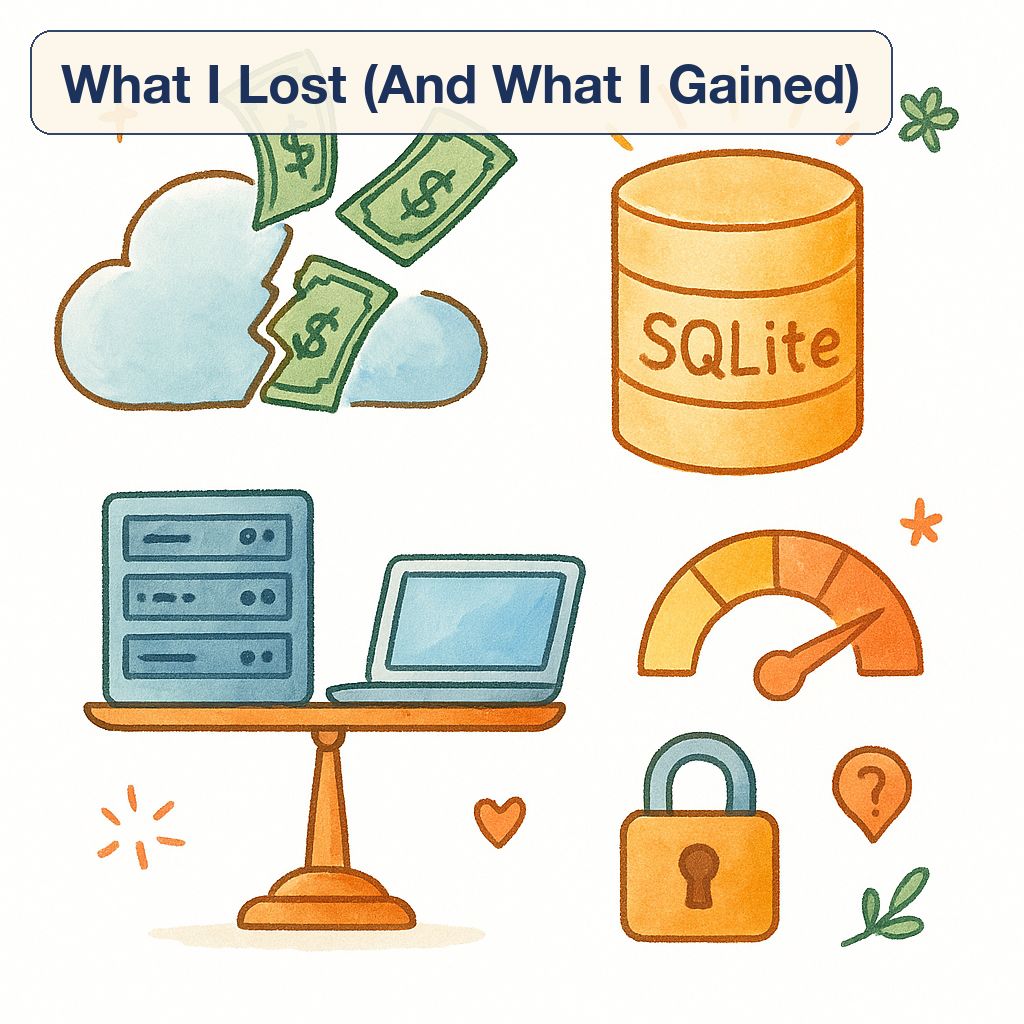
What I Lost (And What I Gained)
Let’s be honest about the downsides, because they’re real.
What I Gave Up:
The managed service safety net is gone. When my Postgres instance had an issue, I could open a support ticket. With SQLite, I am the support team. That’s empowering and terrifying in equal measure.
I lost some advanced features I’d been using casually. Full-text search in Postgres is more mature. Spatial extensions are better supported. JSON querying is more flexible. SQLite has workarounds for most of this, but they’re not as elegant.
Horizontal scaling is harder. With Postgres, I could theoretically add read replicas if traffic exploded. SQLite replication exists (tools like LiteFS handle it), but it’s newer and less battle-tested. For now, I’m betting on vertical scaling being sufficient.
Multi-user write scenarios are trickier. SQLite uses file-level locking, which means concurrent writes can cause contention. My applications are read-heavy, so this hasn’t bitten me yet. But I’m aware it’s a ceiling I might hit.
What I Gained:
Simplicity. Oh my god, the simplicity. No more connection pool tuning. No more query plan analyzers. No more index bloat monitoring. The database is a file. When something goes wrong, there are fewer layers to debug.
📖 Related: Micron Stock Just Hit $200, Should I Buy Now or Wait?
Speed, both in performance and development velocity. Spinning up a new environment means copying a file. Local development is identical to production. Integration tests run faster because there’s no network latency.
Cost savings that are frankly ridiculous. From around $200/month to essentially zero for database hosting. I still pay for application server hosting, but the database-specific costs evaporated. That’s $2,400/year back in my pocket.
Deployment flexibility increased. My SQLite databases can run anywhere. Cheap VPS? Fine. Edge functions? Why not. I’m not locked into providers that offer managed Postgres.
Frequently Asked Questions
Is SQLite actually fast enough for production workloads?
For many workloads, absolutely. Recent testing in 2026 showed SQLite outperforming MySQL by 4.9x in read operations. Your mileage will vary based on access patterns, but for read-heavy applications under 100GB, SQLite often matches or beats traditional databases. The lack of network overhead gives it a latency advantage that’s hard to overcome.
How do you handle backups with SQLite in production?
I use a simple approach: hourly cron job that copies the database file to S3 using the SQLite backup API to ensure consistency. The backup API locks the database briefly for a clean snapshot. For extra paranoia, I keep 7 days of hourly backups and 4 weeks of daily backups. Total cost is a few dollars per month in S3 storage, vastly cheaper than managed database backup fees.
What happens if multiple users try to write at the same time?
SQLite handles concurrent reads beautifully but serializes writes. For applications with occasional writes, this isn’t noticeable. But high-concurrency write scenarios will see contention. If you’re doing more than a few hundred writes per second, SQLite might struggle. My applications are read-heavy (probably 95% reads), so this hasn’t been an issue yet.
Can you scale SQLite horizontally like traditional databases?
It’s possible but not as mature. Tools like LiteFS provide replication, and you can run multiple read replicas. However, this is newer technology compared to Postgres replication that’s been battle-tested for decades. For most small to medium applications, vertical scaling (bigger server) is simpler and sufficient. I’m running workloads that would cost $200/month in managed databases on a single $40/month VPS.
Should I switch my application to SQLite to save money?
Maybe. If you’re running small to medium workloads (under 100GB), mostly read operations, and not hitting serious write concurrency, SQLite could cut your costs dramatically. But don’t switch just to save money, switch if it genuinely fits your use case. High-traffic write-heavy applications still belong on traditional databases. Evaluate your actual usage patterns before migrating.
Would I Do It Again?
Yeah. Without hesitation.
I’m not going to tell you SQLite is perfect or that everyone should immediately abandon cloud databases. That would be dishonest. But for my specific use cases, small to medium applications with read-heavy workloads, switching to SQLite was one of the better technical decisions I made in 2026.
The cost savings alone justify the migration effort. Going from $200/month to essentially zero in database costs means I can reinvest that money into features or just pocket it. Over a year, that’s a meaningful amount of cash.
But honestly? The simplicity matters more than the money. I sleep better knowing my databases are just files I can copy, inspect, and restore without specialized tools or vendor-specific knowledge. When something breaks at 2am, I can fix it faster because there are fewer moving parts.
If you’re in a similar situation, paying monthly cloud database fees for workloads that don’t truly need distributed systems, at least investigate SQLite. Run some benchmarks. Migrate a non-critical project. See if it fits.
The worst case? You gain a deeper understanding of your database requirements. Best case? You slash your infrastructure costs and simplify your stack. Either way, it’s worth an evening of experimentation.
For those wondering how to save money switching to SQLite: start small, test thoroughly, and don’t migrate everything at once. Pick your least critical application, measure everything, and learn from the experience. The performance data from 2026 suggests SQLite is more capable than most of us assumed. Sometimes the simple solution really is the right one.